Pro and up
Every community, one list
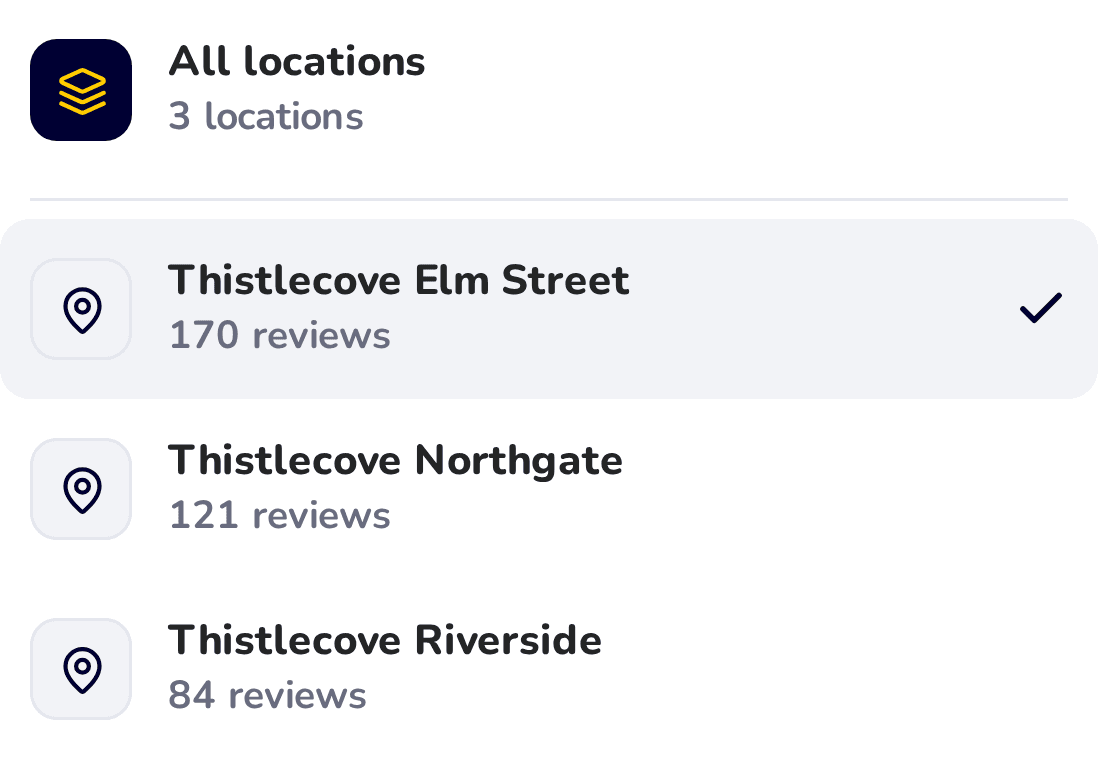
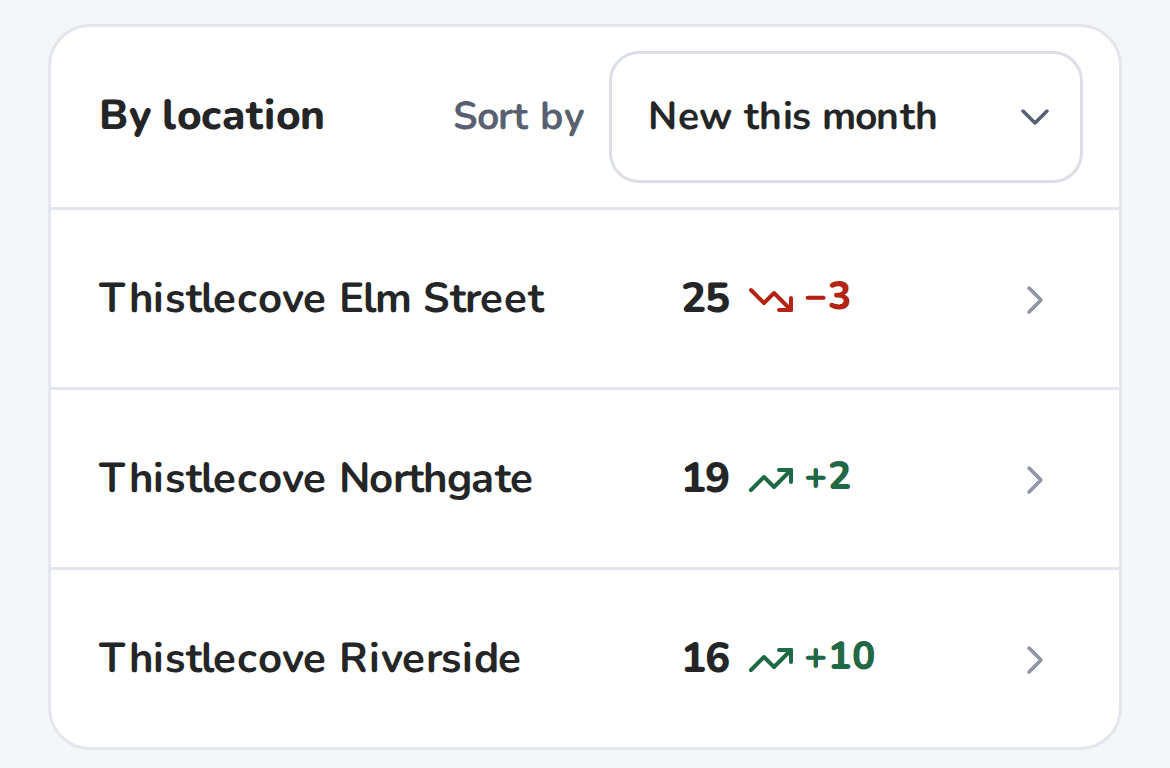
Pick All locations from the location menu, and every community’s reviews land in one list, newest first, with each community’s numbers side by side.
Each review shows which community it came from.
Product demo · 1:42
Under two minutes of HiFiveStar on a sample property management company with three communities: every community side by side, a reply drafted for you, review requests typed in, uploaded as a list or sent automatically on higher plans, and a login for each community manager.
14-day free trial. No card, no contract.
6 chapters · captions on
Captions on, sound optional
It all works from your phone. Tap Watch on any part to see it in the video.
Pick All locations from the location menu, and every community’s reviews land in one list, newest first, with each community’s numbers side by side.
Each review shows which community it came from.
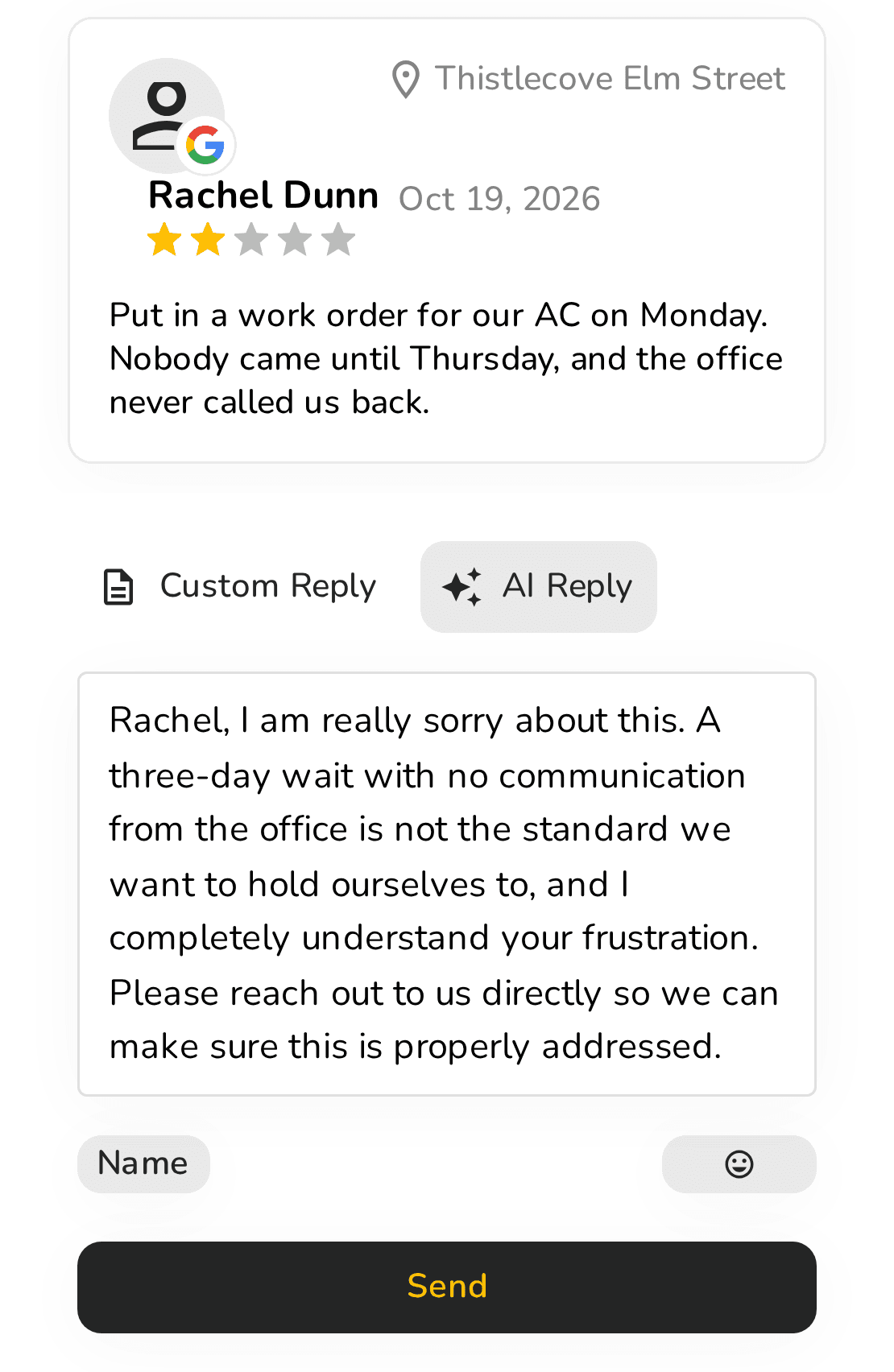
Tap “Write it for me” for a reply written as the owner, in the reviewer’s language. Change any word, then press Send: once Google is connected, it posts straight to Google.

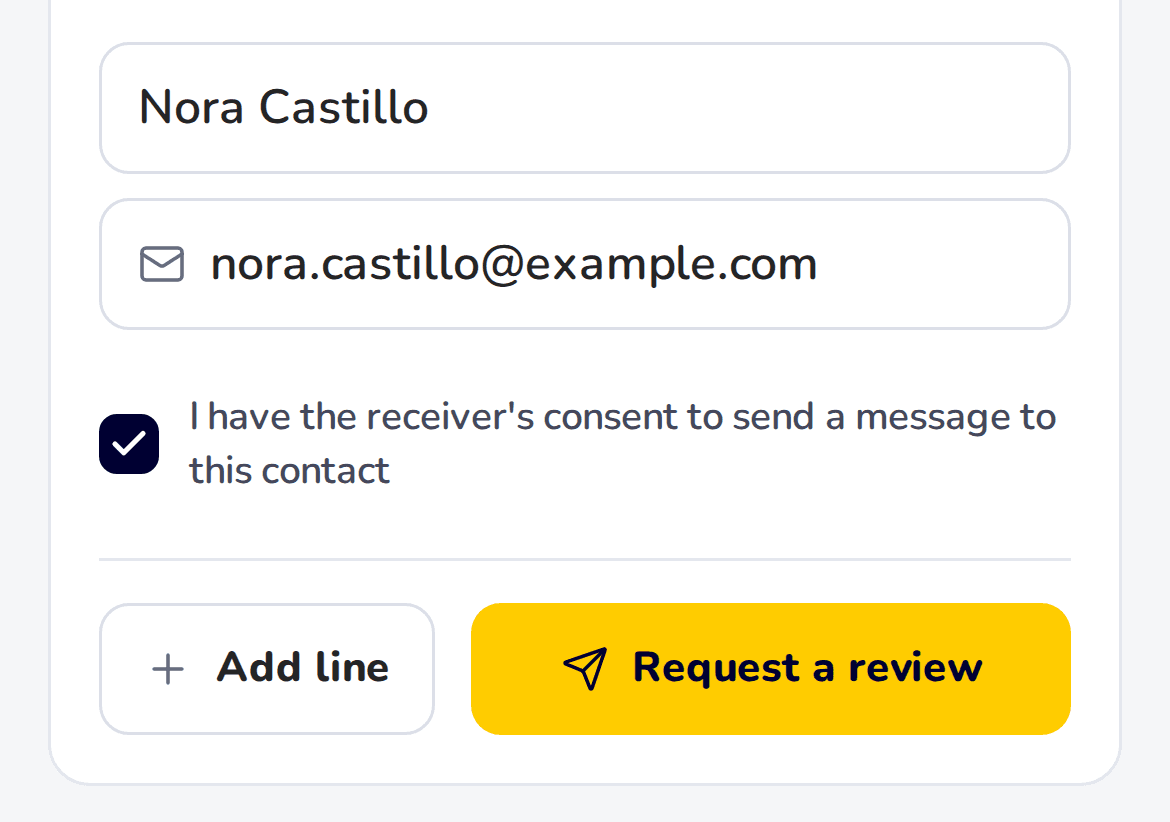
Type a resident’s name and email or phone number, or upload a list of up to 1,000, and HiFiveStar sends them your review link by email or text. Or pick WhatsApp, and the message opens in your own WhatsApp, ready to send.
On Pro and up, if your property management software connects to Zapier, Make or Albato, residents can be asked automatically by text or email.
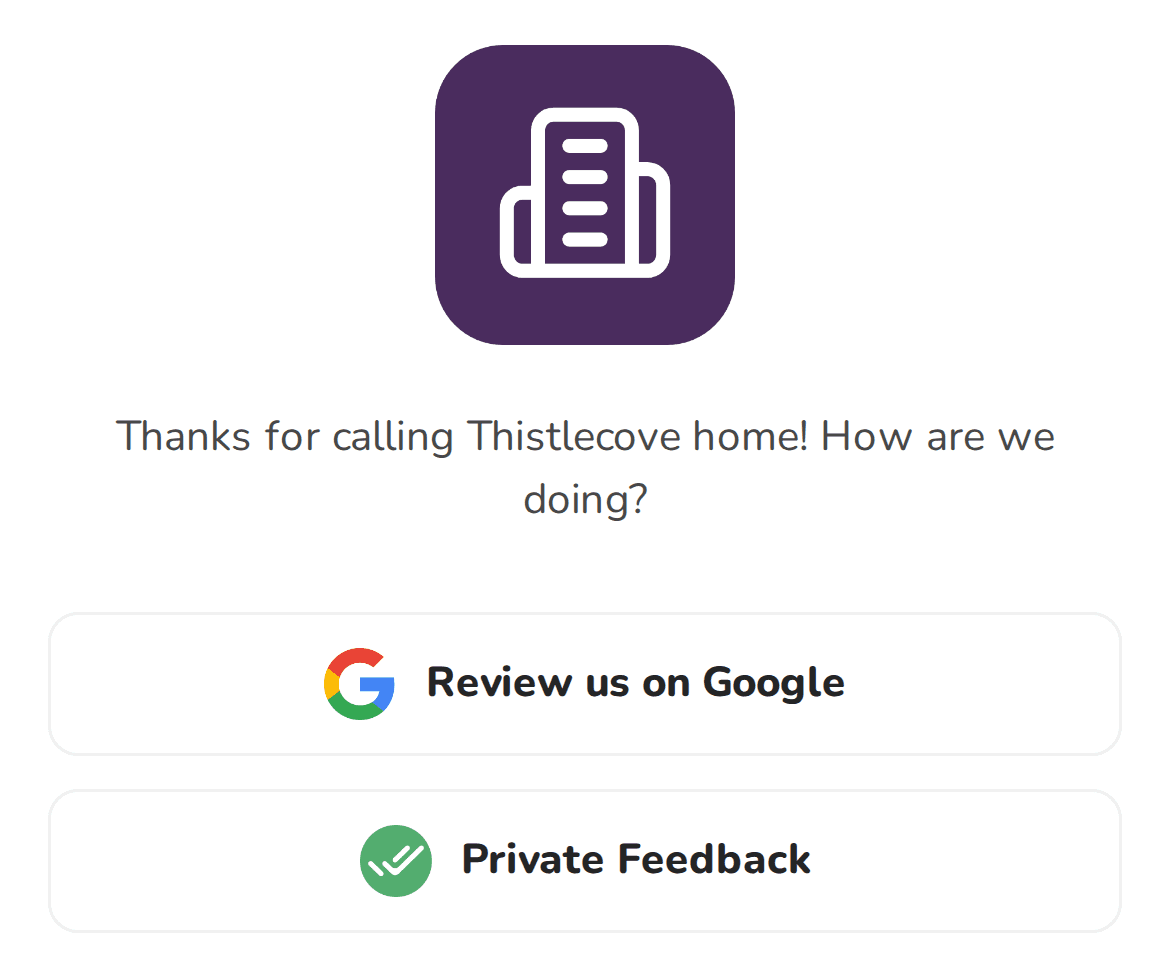
Each community gets its own review link and a QR code for the leasing office. Residents land on your review page, and one tap takes them to Google. Anyone who’d rather tell you privately can, from the same page.
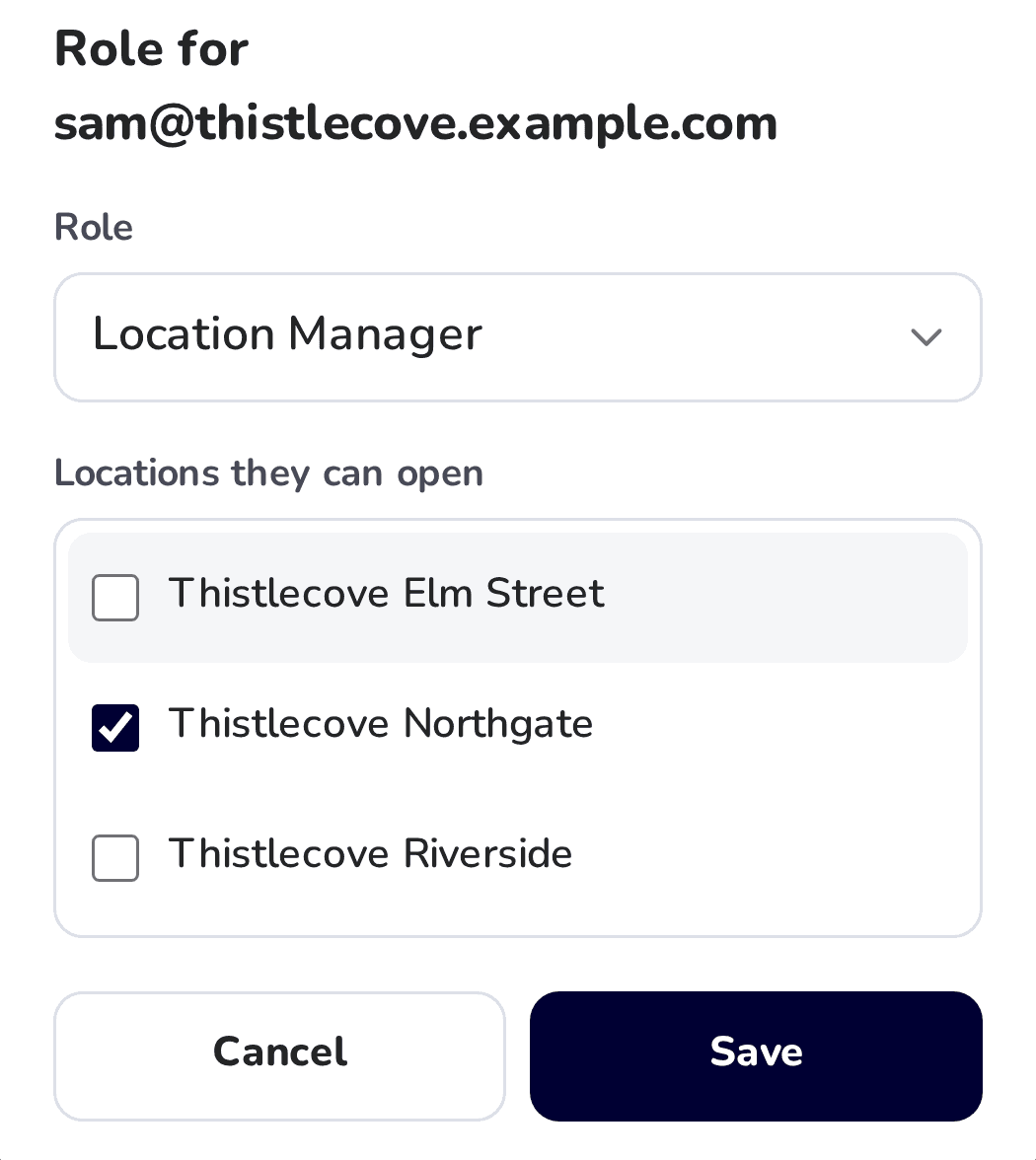
Add each community manager as a Location Manager and tick the communities they run. Their login shows only those communities.
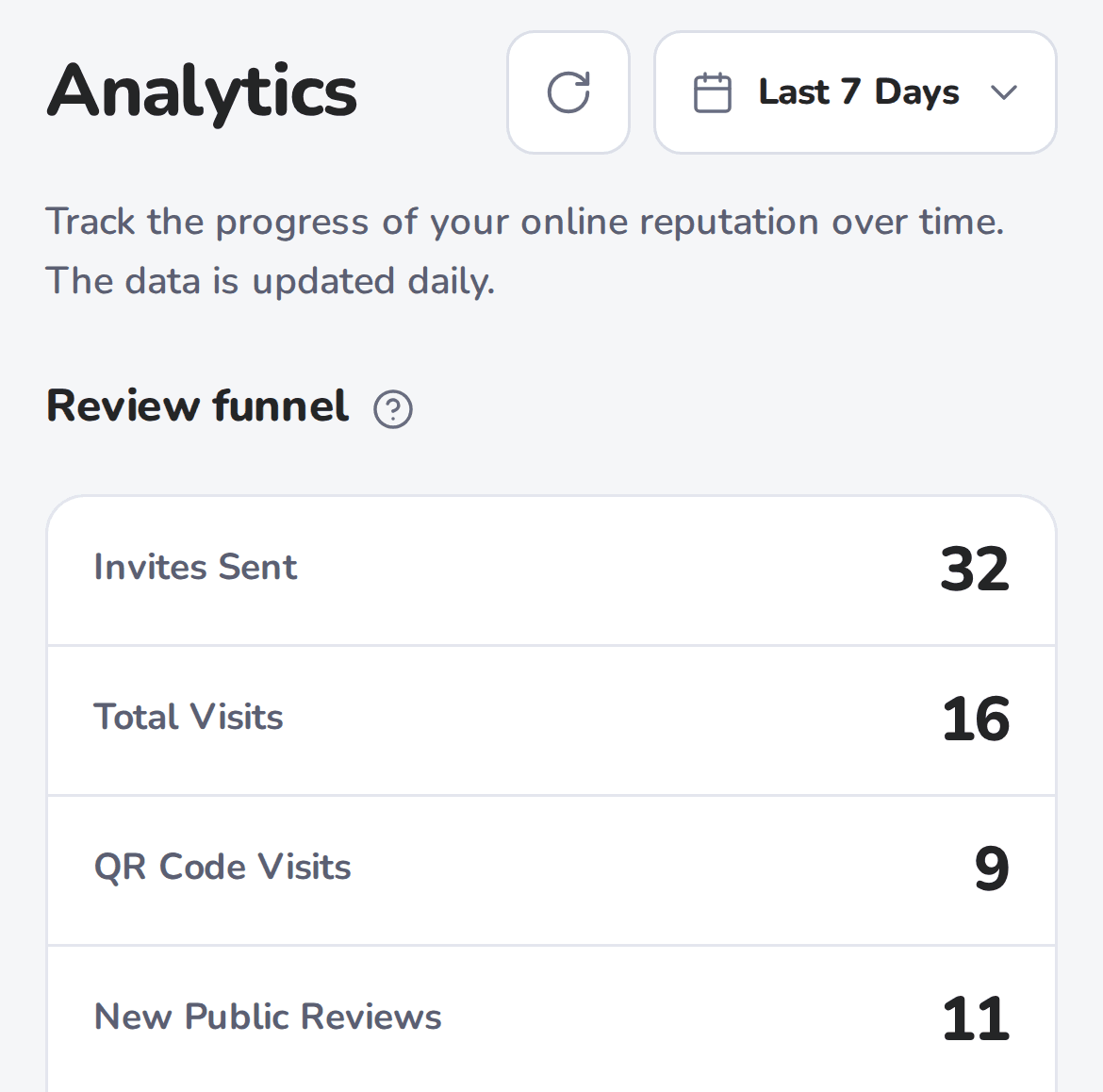
See each community’s review requests, visits to its review page and new public reviews, updated daily.
Pick a review and watch HiFiveStar draft a reply you’d actually send — warm on the good days, steady on the hard ones.
Start free — AI drafts come with Core“Our AC was out for nine days in July. I put in three work orders and nobody called me back.”
“I used to sign in to Google once for every property. Now I open All locations in the morning and answer whatever came in overnight, all six communities in one list.”
Melissa R.
Regional manager, six communities
“A work-order complaint used to sit for a week while I worked out what to say. Now I tap Write it for me, add who to ask for in the office, and it’s on Google before lunch.”
Darnell W.
Community manager
“Every new resident gets the review link by email at move-in, and the QR code sits on the leasing office counter. Our newest reviews are from people who just moved in.”
Kim T.
Leasing director, four communities
The free plan never expires. Paid plans add review requests, AI reply drafts and more locations.
No card
Everything you need to collect and answer reviews for one location.
Adds the asking and the writing
Everything in Forever Free, plus:
Everything in the video
Everything in Core, plus:
Yes. Forever Free never expires, needs no card and comes with no contract. It covers one location: your reviews inbox, your review page with its link and QR code, private feedback you can answer by email when the customer left one, and review widgets for your website. Every new account also gets every feature except texting free for its first 14 days; after that, review requests by text, email and WhatsApp, and AI reply drafts, come with paid plans.
Yes, once the location is connected with its Google login: press Send and the reply goes straight to Google. For Yelp, Tripadvisor and the other sites, you copy the reply and paste it there. Replies to private feedback go out by email.
Google, read from your public listing every day with nothing to connect, plus Yelp, Tripadvisor (hotels, restaurants and attractions), Indeed, Glassdoor, Zillow, HomeAdvisor and Thumbtack. Your review page can also send customers to more than 30 other review sites.
Your review page offers every customer one tap to Google and a private note to you. Either way it lands in your inbox: answer the note by email if they left one, and the Google review from HiFiveStar once Google is connected.
Each draft is written as the owner, in the language of the review, and nothing goes out until you press Send, so you can change any word first.
About five minutes. Find your Google listing by name, paste the links to your other review pages, and your review link and QR code are ready to share.
On Pro and up, yes. When a customer pays or orders through Stripe, Shopify, Zapier or Make, HiFiveStar sends the review request by itself, with reminders 3 and 7 days later.
No. On Pro and up, every location sits under one login, the Reviews screen can list all their reviews together, and each location manager can have a login that shows only their locations.
Join 2,000+ local businesses using HiFiveStar. Set it up in about five minutes.
14-day free trial · No card · No contract