How to Get More Google Reviews
Learn proven strategies to get more Google reviews for your local business. Increase your star rating, rank higher in local search, and attract more customers.
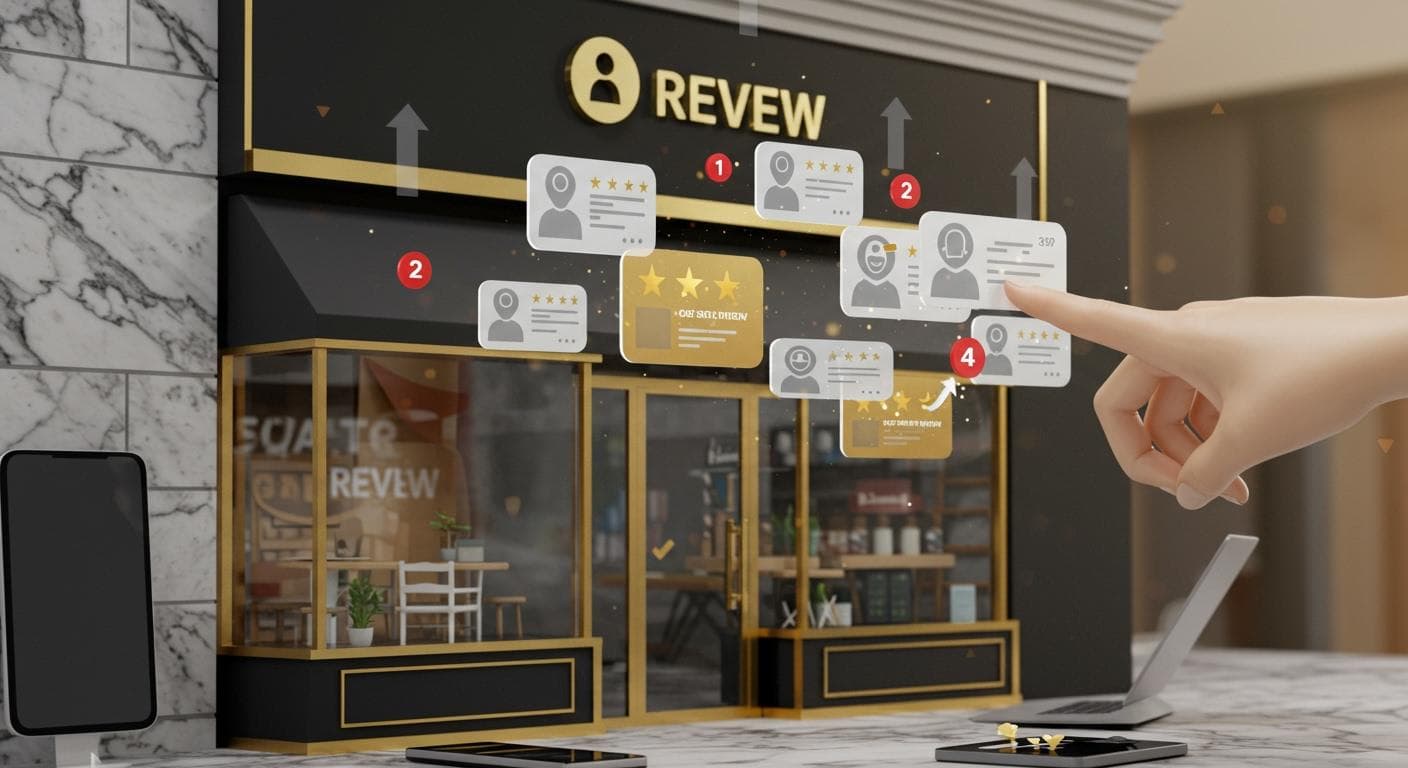
Why Google Reviews Matter More Than Ever
If you run a local business, Google reviews are one of your most powerful marketing assets. A study by BrightLocal found that 98% of consumers read online reviews for local businesses, and 87% use Google specifically to evaluate local businesses. Your star rating is often the first thing a potential customer sees — before your website, before your ad, before they ever walk through your door.
Beyond first impressions, Google reviews directly influence your rankings in local search results. Google's algorithm uses review quantity, recency, rating, and content as ranking signals for the local 3-pack — those coveted three business listings that appear at the top of local search results. More high-quality reviews mean more visibility, more clicks, and more customers.
Yet most businesses leave this opportunity on the table. They wait passively for customers to leave reviews on their own — which rarely happens. The businesses winning at local SEO are the ones actively and systematically asking for reviews. This guide will show you exactly how to do it.
1. Make It Effortless: Create a Direct Review Link
The biggest barrier to getting reviews is friction. If customers have to search for your business on Google, find the review button, and figure out the process, many will give up. Your job is to make leaving a review as easy as possible.
Start by creating a direct review link from your Google Business Profile:
- Log into your Google Business Profile
- Click "Get more reviews" or "Share review form"
- Copy the generated review link
- Shorten it with a URL shortener or create a QR code
Once you have this link, you can share it everywhere: in follow-up emails, SMS messages, printed receipts, table cards, or your email signature. HiFiveStar automatically generates and tracks these review links for you across all your business locations.
2. Ask In Person — Right After the Experience
The most effective moment to ask for a Google review is right after the visit or job is finished. This is when the memory is freshest. Train your staff to ask every customer naturally:
"I'm really glad we could help you today! If you have a moment, a quick Google review would mean a lot to us — it helps other [homeowners/diners/patients] find us. I can send you a direct link right now if that's helpful."
The key is to make the ask personal and genuine, not scripted. For service businesses, the ideal moment is right after job completion. For restaurants, when the bill is paid. For healthcare providers, at checkout after the appointment.
3. Send Automated Follow-Up Requests via SMS and Email
In-person asks are powerful, but they're limited by your team's bandwidth. Automated follow-up campaigns let you scale review generation without manual effort.
The winning formula for review request messages:
- SMS: Send within 1–2 hours of service completion. Keep it under 160 characters. Include your first name or business name for recognition. Include the direct link.
- Email: Send within 24 hours. Subject line should reference the specific service or visit. One clear call-to-action button.
- Timing: A second follow-up 3–5 days later can increase responses by 30–40% for customers who didn't respond to the first message.
HiFiveStar's Core and Pro plans include SMS, email, and WhatsApp review requests, and on Pro texts and emails go out automatically to each new customer from Stripe, Shopify, or any point-of-sale or CRM system you connect through Zapier or Make. You set it up once and the requests go out by themselves.
4. The Power of Timing: When to Ask
Research consistently shows that review request timing dramatically affects response rates. Here are the optimal windows by industry:
- Restaurants & Cafes: Within 1 hour after dining
- Home Services (Plumbing, HVAC, etc.): Within 2 hours after job completion
- Healthcare & Dental: Within 24 hours post-appointment
- Retail: Within 24 hours of purchase or delivery
- Salons & Spas: Immediately after service, or same-day SMS
- Auto Services: Within 2 hours after vehicle pickup
As a rule: never wait more than 48 hours to send a review request. After two days, satisfaction scores in memory naturally decay and customers are less likely to act.
5. Use QR Codes Strategically
QR codes make leaving a Google review as simple as a phone scan. Place them where customers are already looking:
- At the point of sale or checkout counter
- On printed receipts or invoices
- On table tents or menus (restaurants)
- On your vehicle or service van (home services)
- In your waiting room (healthcare, salons)
- On packaging or delivery bags (retail)
A simple sign next to the QR code increases scan rates significantly: "Loved your experience? Scan to leave us a Google review — it takes 30 seconds!"
6. Leverage Your Email Signature and Social Profiles
Your existing communication channels are free review generation opportunities. Add a "Leave us a Google review" link to:
- Every employee's email signature
- Your Facebook and Instagram bios
- Your website footer or contact page
- Your customer invoices and order confirmations
- Your newsletter footer
These passive channels compound over time. Even if only 1–2% of email recipients click the link, a business sending 500 emails per week can generate 5–10 new review opportunities weekly without any active effort.
7. Respond to Every Review You Receive
One of the most overlooked review generation strategies is responding to existing reviews. When you respond thoughtfully to all reviews — both positive and negative — prospective customers see that you care. This social proof makes them more likely to trust you and, when prompted, more willing to leave their own review.
Google also considers your response rate as a signal. Businesses that consistently respond to reviews tend to rank better in local search. Use HiFiveStar's AI Reply to draft an answer to a new review in seconds, even across multiple locations.
8. Run Targeted Review Campaigns After Milestones
Some of your best potential reviewers are longtime customers who have never been asked. Run targeted campaigns to re-engage your customer base:
- Post-project campaigns: Email customers 1 week after completing a major project
- Anniversary campaigns: Reach out to customers on the anniversary of their first purchase
- Seasonal campaigns: After peak seasons (holidays, summer) when customers reflect on service quality
- Re-engagement campaigns: Contact customers who haven't purchased in 6–12 months
9. Avoid These Common Mistakes
Many businesses inadvertently sabotage their review generation efforts. Here's what to avoid:
- Offering incentives for reviews: This violates Google's policies and can result in your reviews being removed or your listing penalized. Never offer discounts, freebies, or prizes in exchange for reviews.
- Asking multiple customers to review from the same location: Google's spam filters may flag reviews from the same IP address or device as fake.
- Asking for only positive reviews: This is considered review gating and violates FTC guidelines. Ask all customers for honest feedback.
- Ignoring negative reviews: Unresponded negative reviews drive away potential customers. Address them promptly and professionally.
- Sending review requests too late: Waiting weeks after a service dramatically reduces response rates.
- Using generic, impersonal messages: Personalize your review requests with the customer's name and specific service details.
10. Automate With the Right Google Review Management Tool
The businesses consistently winning at Google reviews aren't necessarily working harder — they're working smarter. A google review management tool like HiFiveStar takes most of the manual work out of it:
- Send review requests by SMS, email, and WhatsApp, or on Pro send texts and emails automatically to each new customer
- See your Google, Yelp, and TripAdvisor reviews, and those from five more sites, in one inbox
- Use AI to draft personalized review responses instantly
- Track your review count and average rating over time
- Display your best reviews on your website with customizable widgets
With the right system in place, getting more Google reviews becomes a passive, ongoing process rather than a constant manual effort.
Quick-Start Checklist: Get Your First 10 Reviews
- Claim and complete your Google Business Profile (100% completion matters)
- Create your direct Google review link
- Ask every recent customer today — in person or by text
- Set up automated SMS/email follow-ups for future customers
- Create a QR code and place it at your point of sale
- Add the review link to your email signature
- Respond to all existing reviews within 48 hours
- Check and optimize your Google Business Profile photos, hours, and services
Start with these eight steps and you'll see results within your first 30 days. The key is consistency — make review generation part of your standard operating procedure, and the reviews (and the customers they bring) will follow.
Ready to put this on autopilot? Start your free HiFiveStar account and choose Pro when you want review requests to go out to each new customer automatically.
Frequently Asked Questions
How do I ask customers for Google reviews without violating Google's policies?
Google allows businesses to ask customers for reviews, but you must not offer incentives (discounts, freebies) in exchange for positive reviews. You can ask in person after a service, send follow-up emails, or use QR codes. Simply ask every customer to share their honest experience.
How many Google reviews do I need to rank in the local pack?
There is no magic number, but most businesses appearing in the Google local 3-pack have at least 10–50 reviews with an average rating above 4.0. More important than quantity is a consistent stream of recent reviews — Google favors businesses actively receiving new feedback.
What is the best time to ask a customer for a Google review?
The best time to ask is right after the visit or job, while the experience is fresh. For service businesses, ask right after job completion. For retail, at checkout. Studies show response rates drop significantly after 24 hours.
Can I respond to Google reviews?
Yes, and you should. Responding to both positive and negative reviews shows engagement and professionalism. Google considers review responses as a signal of an active, customer-focused business. Aim to respond to all reviews within 24–48 hours.
How do I get a direct Google review link to share with customers?
Go to your Google Business Profile, click 'Get more reviews' or 'Share review form,' and copy the direct review link. You can shorten this URL or embed it in QR codes, emails, and SMS messages to make it easy for customers to leave a review in one click.
Why are my Google reviews disappearing?
Google's spam filters sometimes remove legitimate reviews if they look suspicious — for example, if multiple reviews come from the same IP address or if a reviewer has no activity history. Reviews can also be removed if they violate Google's content policies. If reviews are incorrectly removed, you can flag them for reinstatement through Google Business Profile.
Ready to Take Control of Your Online Reputation?
Join thousands of local businesses using HiFiveStar to get more reviews and grow faster.